
Post-Launch WordPress Risks: What Can Go Wrong After Your Website Goes Live
Launching a WordPress website is a milestone—but it’s not the finish line.

Many website owners assume that once a WordPress site is live, the hard work is done.
In reality, the post-launch phase is where the real risks begin. Without proper monitoring,
maintenance, and security practices, even a well-built WordPress site can quickly develop
serious problems.
In this article, we’ll explore the most common post-launch WordPress risks,
why they happen, and what you can do to protect your website, your data, and your business.
1. Security Vulnerabilities and Hacking Risks

Security is the biggest risk after launching a WordPress website. WordPress powers over
40% of the web, making it a prime target for hackers, bots, and malicious scripts.
Common post-launch security issues include:
- Outdated WordPress core files
- Vulnerable or abandoned plugins
- Weak admin passwords
- No firewall or malware protection
Even a single outdated plugin can expose your entire site to malware injections,
spam links, or unauthorized access. Many site owners only realize this risk after
their site is already compromised.
2. Plugin Conflicts and Site Breakage

Plugins are one of WordPress’s greatest strengths—but they are also a major source
of post-launch problems. After launch, plugins continue to receive updates, and
not all updates work well together.
Plugin conflicts can cause:
- White screen of death
- Broken layouts or forms
- Checkout or login failures
- JavaScript and console errors
Without proper testing before updates, a simple plugin upgrade can break critical
site functionality within minutes.
3. Performance and Speed Degradation
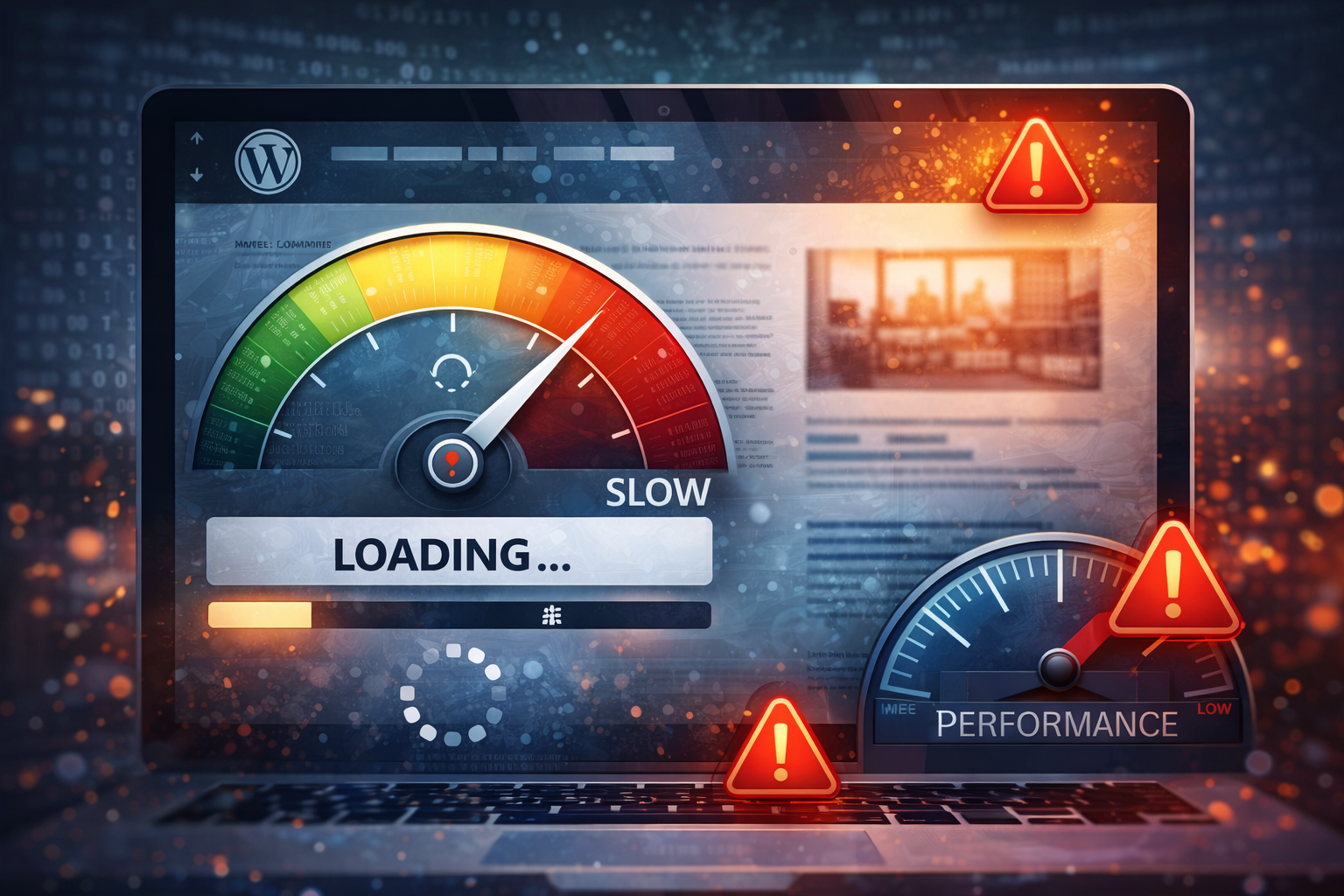
Many WordPress sites perform well at launch but gradually become slower over time.
This usually happens due to poor post-launch optimization and lack of maintenance.
Common causes include:
- Too many heavy plugins
- Unoptimized images
- Database bloat
- No caching or CDN setup
Slow websites lead to higher bounce rates, lower user engagement, and reduced
conversions. From an SEO perspective, site speed is also a direct ranking factor.
4. SEO Issues After Launch

A common misconception is that SEO ends once the site is launched. In reality,
many SEO problems only appear after Google starts crawling and indexing the website.
Post-launch SEO risks include:
- Pages not getting indexed
- Missing meta titles or descriptions
- Broken internal links
- Duplicate content issues
- Poor Core Web Vitals scores
Without ongoing SEO monitoring, a site may fail to rank or even lose visibility
after initial indexing.
5. Backup Failures and Data Loss
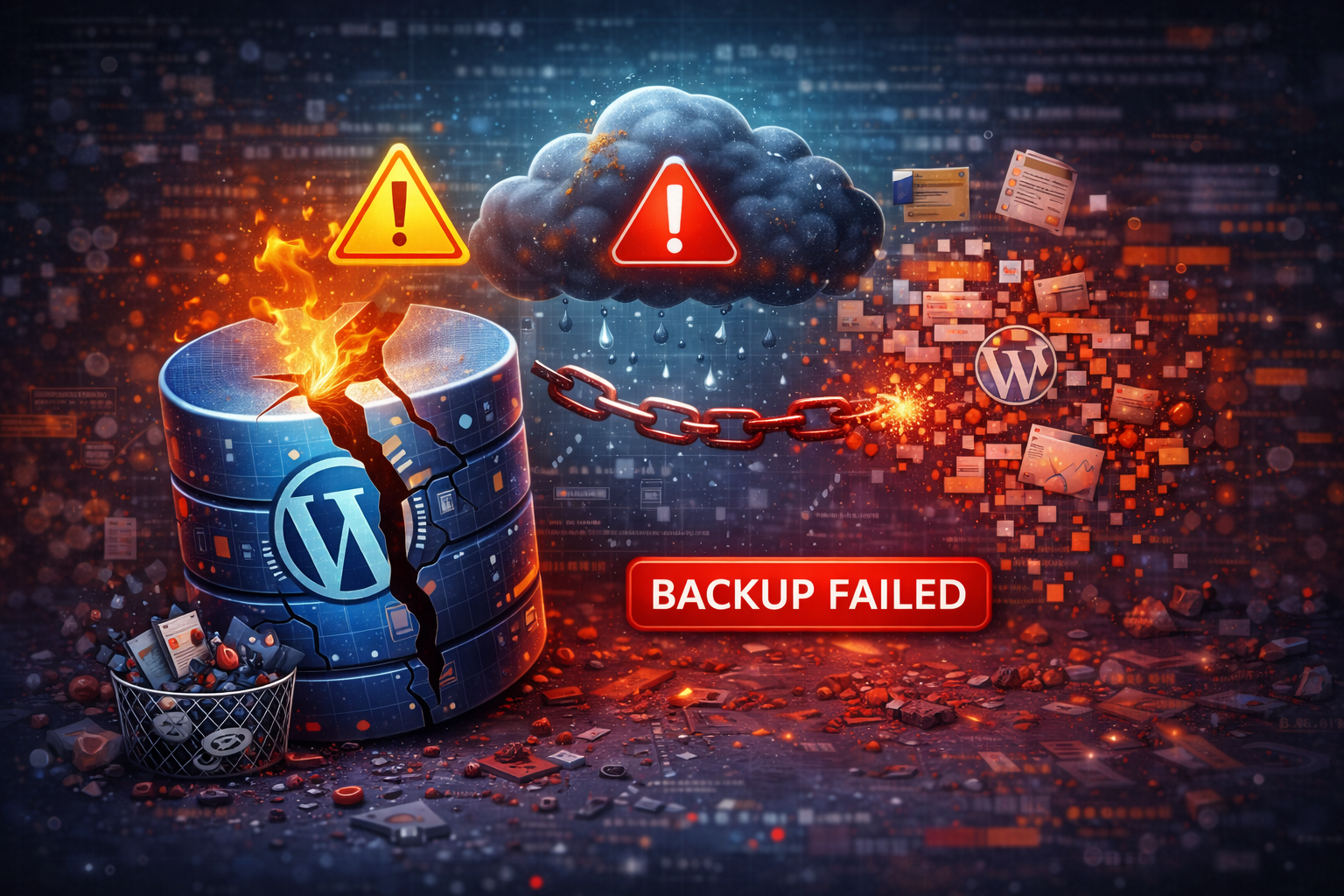
Many website owners assume their hosting provider automatically handles backups.
While some do, backups are often limited, infrequent, or hard to restore.
Post-launch risks related to backups include:
- No regular automated backups
- Backups stored on the same server
- Failed or incomplete backup files
- No tested restore process
If your site gets hacked, crashes, or is accidentally deleted, lack of a proper
backup system can result in permanent data loss.
6. Compatibility Issues with WordPress Updates
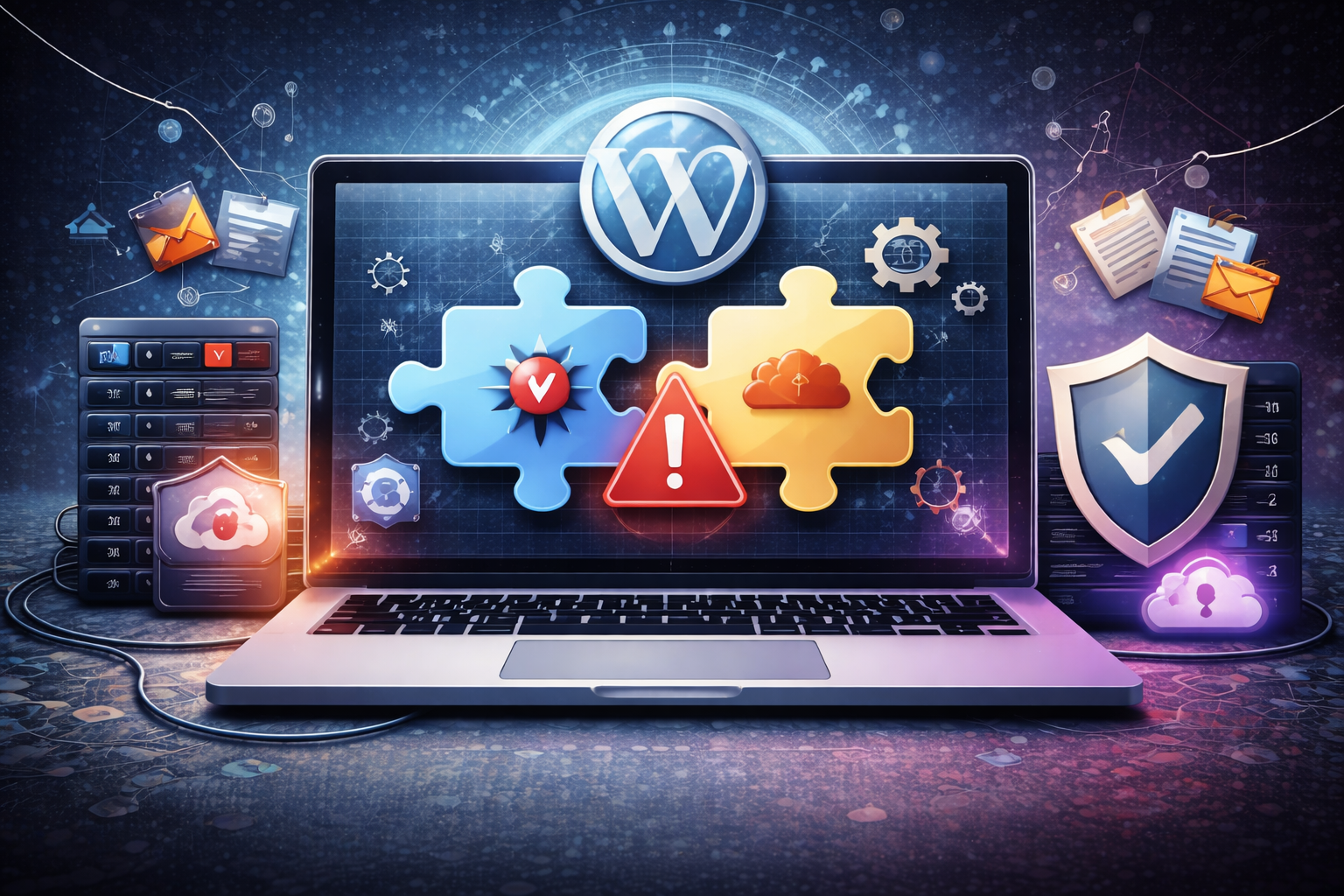
WordPress core updates are released regularly to improve features and security.
However, these updates can sometimes create compatibility issues with themes or plugins.
Risks include:
- Theme features breaking after updates
- Deprecated functions causing errors
- Admin dashboard issues
Skipping updates is risky, but updating without testing is equally dangerous.
A staging environment is essential to avoid downtime.
7. Lack of Ongoing Maintenance
One of the biggest post-launch WordPress risks is simply neglect. Websites are
not “set it and forget it” products.
Without regular maintenance:
- Security risks increase
- Performance declines
- SEO rankings drop
- User experience suffers
Ongoing maintenance includes updates, security scans, performance checks,
SEO monitoring, and regular backups.
How to Reduce Post-Launch WordPress Risks
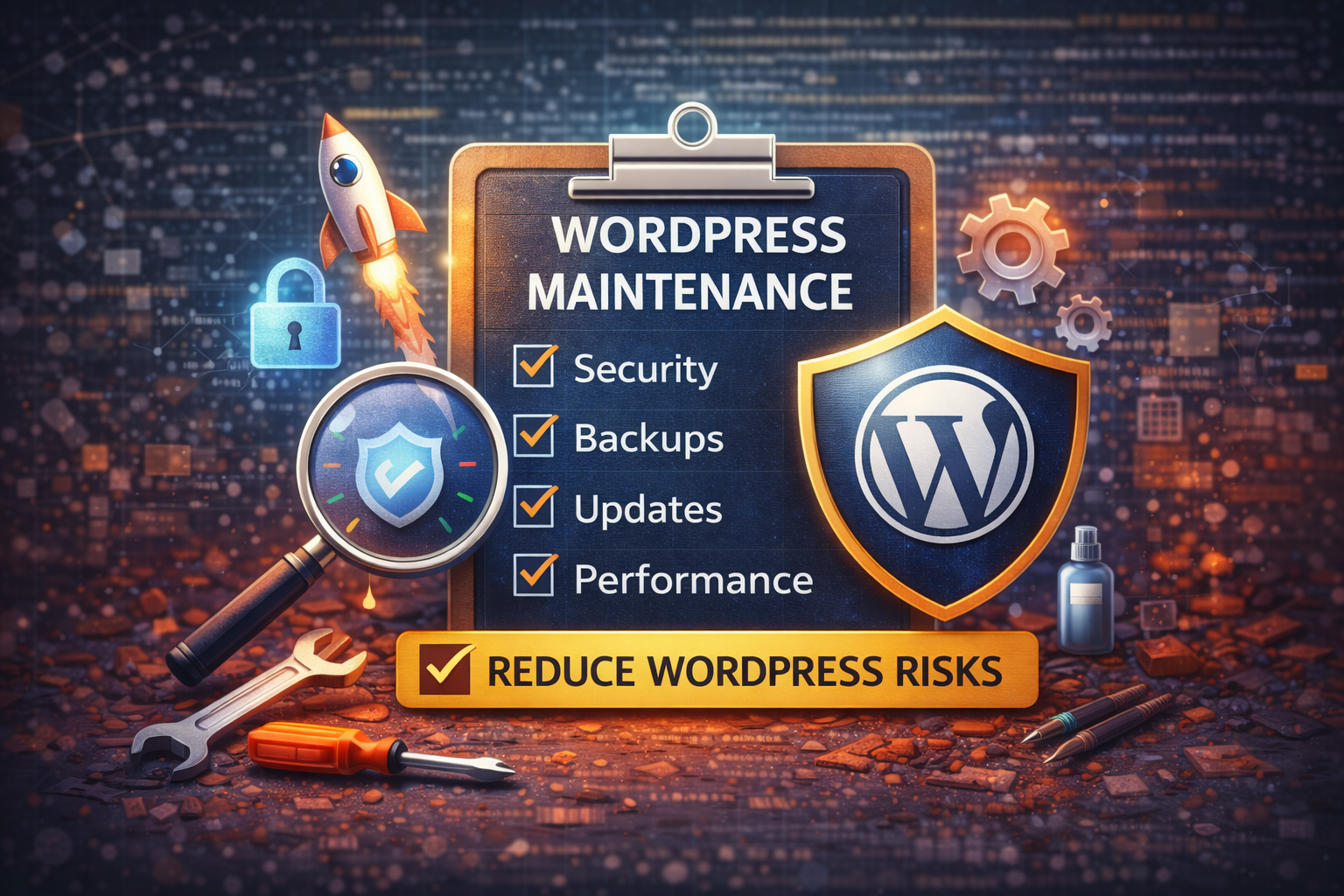
The good news is that most post-launch WordPress risks are preventable with the
right strategy.
- Use strong passwords and two-factor authentication
- Install reputable security plugins and firewalls
- Keep WordPress core, themes, and plugins updated
- Test updates on a staging site first
- Optimize images and enable caching
- Set up daily off-site backups
- Monitor SEO performance regularly
Conclusion
Launching a WordPress website is only the beginning. The post-launch phase is
where security threats, performance issues, SEO problems, and maintenance gaps
can quietly damage your site if ignored.
By understanding these post-launch WordPress risks and taking proactive steps,
you can protect your investment, improve long-term performance, and ensure
your website continues to support your business goals.