
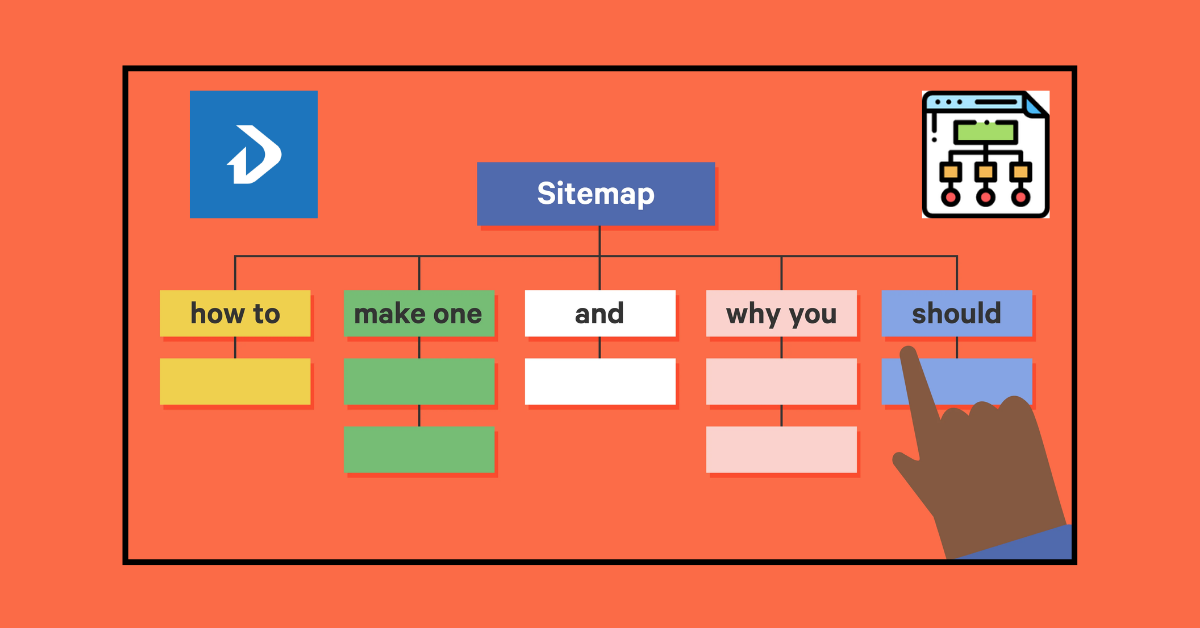
A sitemap is the most important part of every website. sitemap interdiction for which important pages, postss, category, tags, and others. overall stay here. But if you are missing something so you are face some of major problem. let’s go, we will discuss about sitemap.
What is a Sitemap & How kind of a sitemap?
A sitemap is a list of pages of a website domain. How kind of a sitemap? The popular sitemaps are two kinds. There are HTML and XML sitemaps. An HTML sitemap helps users and visitors. The XML sitemap helps Google bots crawl. Beside also have some of the sitemap. There are image videos, news, and mobile sitemaps.
Why should you update a website’s sitemap?
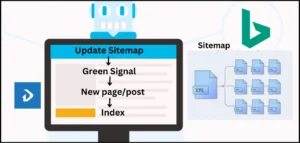
All the time we listen to that, our client web page or post is not indexed on Google or has an indexing problem. Why do we face this problem? If has many reasons, but first you need to check your web sitemap. Its update or non-update. Remember, if your web sitemap is not automatically updated, it causes an indexing problem.
When it auto-updates, then it sends a green signal to Google; a new page or post is waiting for crawling and indexing. The Google bot understands easily.
How to Add XML Sitemap for Your Website?
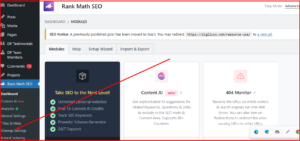
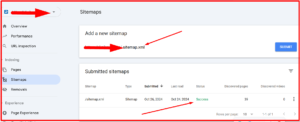
Step 1: If your website is missing an XML sitemap, you can add it. First time, go to your website, Dashbord, and install Rankmath/yoast. Then go to Rankmath sitemap setting and just optimise. Follow image
Step 2: The next step is to go to your website and write the domain name. Example:acb.com/sitemap and press enter. You get an XML sitemap.
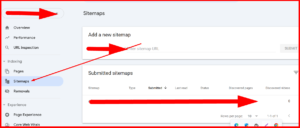
Step 3: Then copy the searcher URL. Last step: go to GSC and click the sitemap option, then paste your copied URL. Your sitemap is added and done.
How to Optimise your web Sitemap?
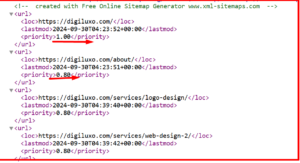
SEO optimization is most important for every website. If you generate just it but no benefits. You need to must SEO. First time, include your important page, category, post, and others. Or you can use priority 1 for an important page or post. Then use priority 08. If you can perfectly optimize. Google easily understands easily which pages or posts are important to your website.
How to remove an unnecessary sitemap?
To remove unnecessary sitemaps from your website, follow these steps:
- Identify Unnecessary Sitemaps:
- Check your robots.txt file: This file tells search engines which pages to crawl and index. Look for lines that point to sitemaps you no longer want to be indexed.
- Use Google Search Console: In the “Sitemap” section, you can see all the sitemaps that Google has discovered for your website. Identify any sitemaps that are outdated or no longer relevant.
- Remove Sitemaps from Robots.txt:
- Open your robots.txt file and delete the line that points to the unnecessary sitemap.
- Save the file and upload it back to your website’s root directory.
- Submit a New Sitemap:
- If you’ve created a new sitemap to replace the old one, submit it to Google Search Console. This will ensure that Google knows about the new sitemap and stops indexing the old one.
- Verify Removal:
- After a few days, check Google Search Console to make sure the unnecessary sitemap is no longer listed.
Additional Tips:
- Regularly review your sitemaps: As your website changes, it’s important to review your sitemaps and remove any that are no longer needed.
- Use a sitemap generator: A sitemap generator can help you create and manage your sitemaps.
- Consider using a dynamic sitemap: A dynamic sitemap is automatically generated based on your website’s content, which can help you keep your sitemap up-to-date.
By following these steps, you can effectively remove unnecessary sitemaps from your website and improve your search engine optimization (SEO)